Start My Free Demo
Book a 30-Minute Planning Evaluation

Manual replanning, unstable schedules and delivery risks are not ERP failures — they are scheduling limitations.
When capacity, shifts, maintenance or materials change, spreadsheets take over.
SkyPlanner APS adds finite capacity intelligence and AI-driven rescheduling on top of your ERP — without replacing it.
Start My Free Demo
Book a 30-Minute Planning Evaluation
When production plans are not constraint-based, frequent schedule changes become normal. Teams lose visibility, shop-floor coordination weakens, and operational stress increases. What looks like flexibility often hides systemic instability.

ERP-generated plans often ignore real capacity limits. When workload exceeds actual machine or labor availability, bottlenecks emerge late. The result is reactive firefighting, delayed orders, and reduced overall equipment effectiveness.

When disruptions occur, Excel becomes the control center. Hours are spent adjusting schedules manually. This dependency consumes planning capacity and prevents teams from focusing on optimization and continuous improvement.

Unrealistic schedules increase late delivery risk. Missed commitments affect revenue, customer trust and long-term competitiveness. Delivery reliability is not a reporting metric — it is a strategic advantage.
SkyPlanner APS enhances your existing ERP by adding an intelligent production planning layer.
It models real operational constraints — finite capacity, shift calendars, maintenance schedules and material availability — and transforms theoretical plans into executable schedules.
With AI-driven recalculation and seamless REST API integration, your ERP remains the system of record while scheduling becomes intelligent and responsive.
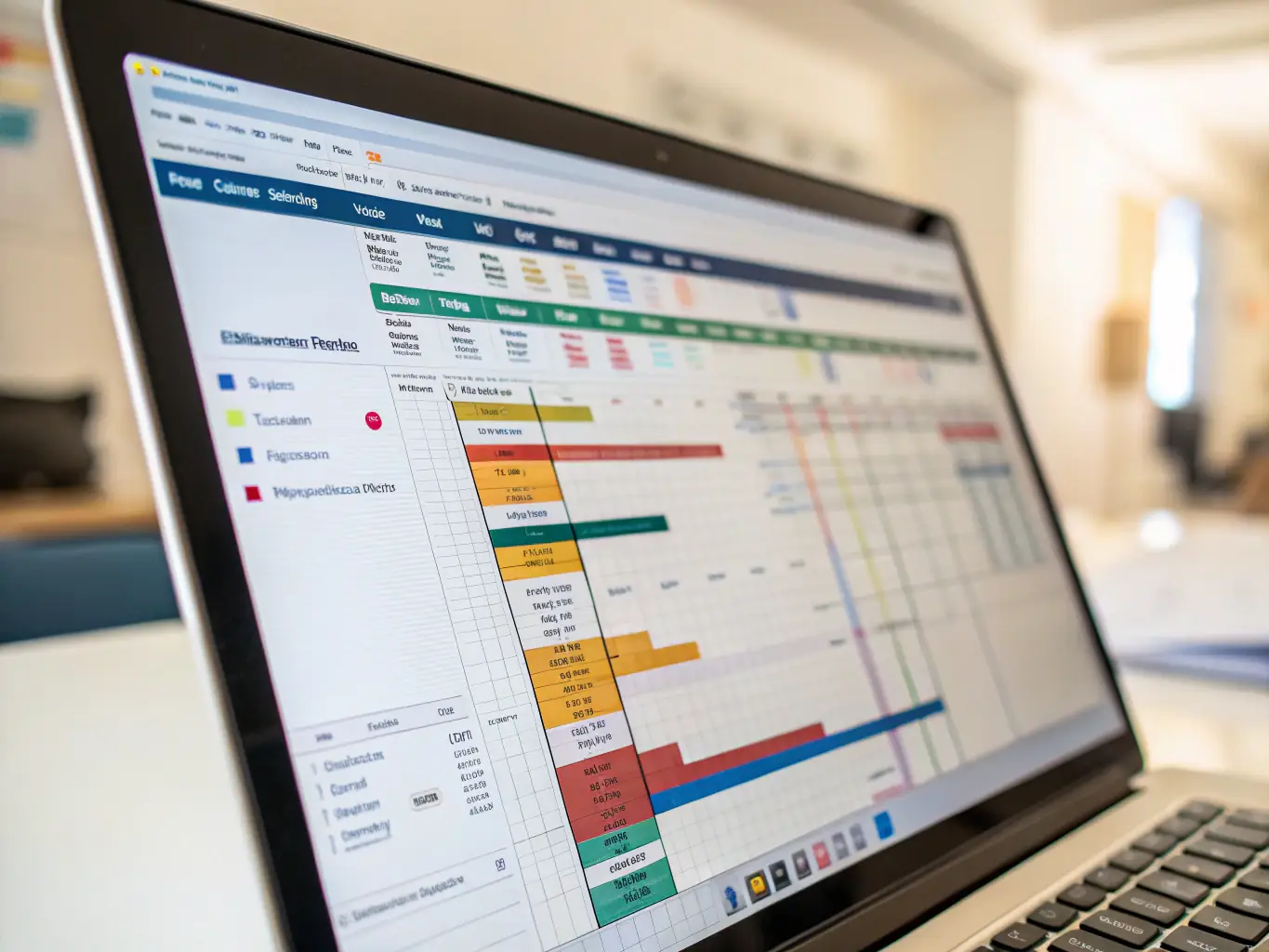
Interactive Gantt visualization provides full transparency across machines, lines and plants.
Identify bottlenecks early, manage dependencies clearly, and make informed scheduling decisions with confidence.
See It in Action

SkyPlanner connects to your ERP and operational data in real time.
Monitor production progress, track material status, and detect potential delays before they disrupt execution.
See It in Action

When priorities shift, disruptions occur, or capacity changes, schedules are recalculated in seconds.
Minimize downtime, reduce instability, and maintain operational flow without manual spreadsheet adjustments.
See It in Action
Production planning should adapt to reality — not fight it.
If your production plan changes daily and spreadsheets control execution, it’s time to add intelligent constraint-based scheduling — without replacing your ERP.
See how finite capacity scheduling adapts to your real constraints — capacity, shifts, maintenance and material availability.
Start with a free demo account and evaluate your scheduling logic in just 30 minutes.
Here, we’ve compiled answers to the most common questions about SkyPlanner APS software and services.
Can I change or cancel my subscription at any time?
If you are on a monthly billing plan, you can decrease or increase the number of workstations at any time. You can also cancel your subscription at any time.
Do I need to enter my credit card details to sign up?
No, we don’t require your credit card details when you register. When the free trial period ends and you decide to continue using SkyPlanner, you will be asked to choose a paid plan and enter your billing information.
Can I try SkyPlanner before purchasing?
Yes, we offer a 30-day free trial period during which you can test all of SkyPlanner’s features. We do not require your credit card details when you start the trial period of SkyPlanner.
Is it possible to get additional custom features for SkyPlanner?
Yes, additional features are available for an extra charge. Please get in touch with our sales team for more information.
What limitations are there in the Trial version?
During the 30-day Trial version, you can add up to a maximum of 20 workstations. This allows you to try out SkyPlanner’s basic features before making a purchase decision.
Can SkyPlanner be translated into my language?
SkyPlanner can be translated into all languages. It is designed to be easily translatable. Contact us, and let’s discuss this further.
Is an on-premises version of SkyPlanner available?
No, it’s not available on-premises.